
Workflow Automation Examples That Improve Real Operations
Practical workflow automation examples for intake, approvals, onboarding, support, reporting, and exception handling—plus a method for choosing them.
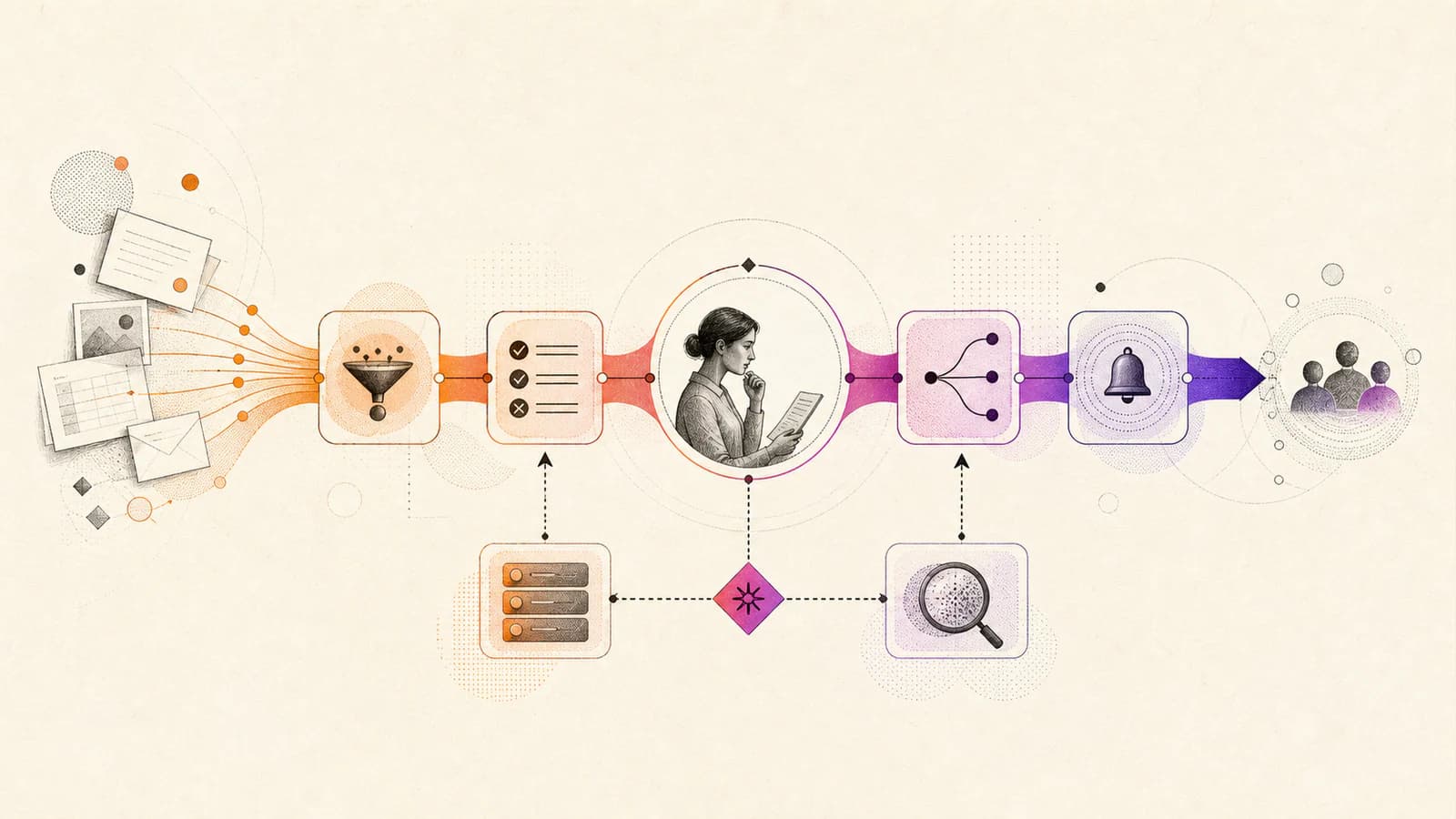
Useful workflow automation removes repeated coordination while keeping decisions, exceptions, and accountability visible. It is not simply moving a manual form into software. A strong automation receives trustworthy input, applies clear rules, updates the right systems, communicates state, and gives a person a controlled way to handle cases the rule cannot resolve.
The examples below are patterns rather than products. Each should be adapted to the organization’s process, data, risk, and service expectations. Automating a broken or disputed process usually makes the dispute travel faster.
Automate structured intake and triage
Replace unstructured email requests with an accessible form that collects the information needed to begin work. Validate required fields, identify duplicates, enrich the request from approved systems, assign a category, and route it to the correct queue. Send the requester a reference and clear expectations rather than a generic receipt.
Examples include service requests, partner applications, content changes, security reviews, maintenance reports, and internal purchasing. Keep a manual review path for incomplete or unusual submissions. Triage automation should reduce sorting work without making a brittle classification the final decision.
- Measure missing information, reassignment, and time to correct ownership.
- Design spam, duplicate, and attachment controls before exposing public intake.
- Show operators why a request received its category or priority.
Coordinate approvals without losing accountability
An approval workflow can assemble the request, policy context, budget, risk, and prior decisions in one place; notify the right approver; record the decision; and trigger the next step. Timeouts and delegation rules prevent requests from disappearing when someone is unavailable.
Good candidates include access requests, discount exceptions, content publication, vendor onboarding, expenses, and contract review. Preserve separation of duties where required. An automation should never let a requester approve their own high-impact action because the workflow happened to lose an assignee.
Make customer and employee onboarding observable
Onboarding spans identity, documents, training, equipment, configuration, introductions, and confirmations. Automation can create a case from the signed agreement, assign role-specific tasks, provision approved access, schedule messages, and show progress to the coordinator and participant.
The workflow needs dependencies and exceptions. Access should not be provisioned before required approval, and a failed background check or missing document should pause only the affected steps. Offboarding deserves equal design because delayed access removal creates operational and security risk.
- Use one authoritative status instead of competing spreadsheets.
- Record who completed or approved each sensitive step.
- Notify people about actionable delays, not every internal state change.
Connect support events to operational action
Support automation can classify a request, attach account context, check service status, suggest relevant guidance, and route the case. A product incident can create an engineering issue, link affected cases, update a status channel, and notify support when a fix is released.
Avoid closing cases based only on a downstream status change. The customer’s problem may persist even after an engineering task is marked complete. Define who confirms resolution, how duplicate incidents are merged, and how the team communicates when the expected recovery does not occur.
Produce reporting from events instead of manual chasing
A reporting workflow can collect data from authoritative systems, validate freshness, apply documented transformations, generate a review draft, and publish only after approval. Owners should see missing inputs and anomalies before a report reaches decision-makers.
This pattern suits operational summaries, compliance evidence, service reviews, and campaign reporting. Keep definitions versioned and visible. Automation does not make a metric trustworthy when teams disagree about its meaning or when source data is incomplete.
- Separate data extraction, transformation, review, and publication stages.
- Alert on missing or stale sources rather than silently reusing old values.
- Retain the inputs and definition used for important published reports.
Choose the first workflow with evidence
Prioritize processes with repeated volume, stable rules, costly handoffs, visible delays, and manageable consequences. Observe the work and count exceptions before selecting technology. A low-volume process with many judgement calls may benefit more from better information and templates than full automation.
Launch with monitoring, named ownership, manual override, and a recovery procedure. Measure elapsed time, touch time, error rate, reassignment, exception volume, and user experience. The best automation makes operations more understandable as well as faster, because state and responsibility become explicit.